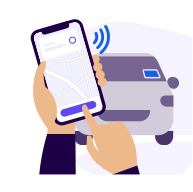
Filter the partner stations in the app and let the app guide you to the nearest one. Once you are at the station, tap on 'Start charging'. Please note that in very few cases, you must plug the cable in before tapping on 'Start charging'.
💡Power up over 2x faster: Use digital fast charging to get on the road quickly. Charge your car in just 20 minutes at 150 kW or 40 minutes at 50 kW. Fast charging is available at select stations - check the app to find them.
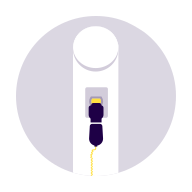
Select an available charging pole and enter the number in the app. The charging pole number is on the pole itself, just below the QR code. In case of fast charging, you might also be required to select the cable you’ll use on the charging station’s screen.
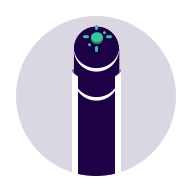
Connect the cable to the car first. The cable is in the trunk or attached to the charging pole in case of a fast charging station. Make sure the engine is switched off and all doors and windows are closed.

Tap on 'Start charging' again on your smartphone and wait for the charging session to begin. Please don't close the app until the charging process has started.